
Loading...




Falcon Magic Remote – For Falcon WebOS Smart Camping TVs
Looking for greater control of your Falcon WebOS Smart Camping TV?
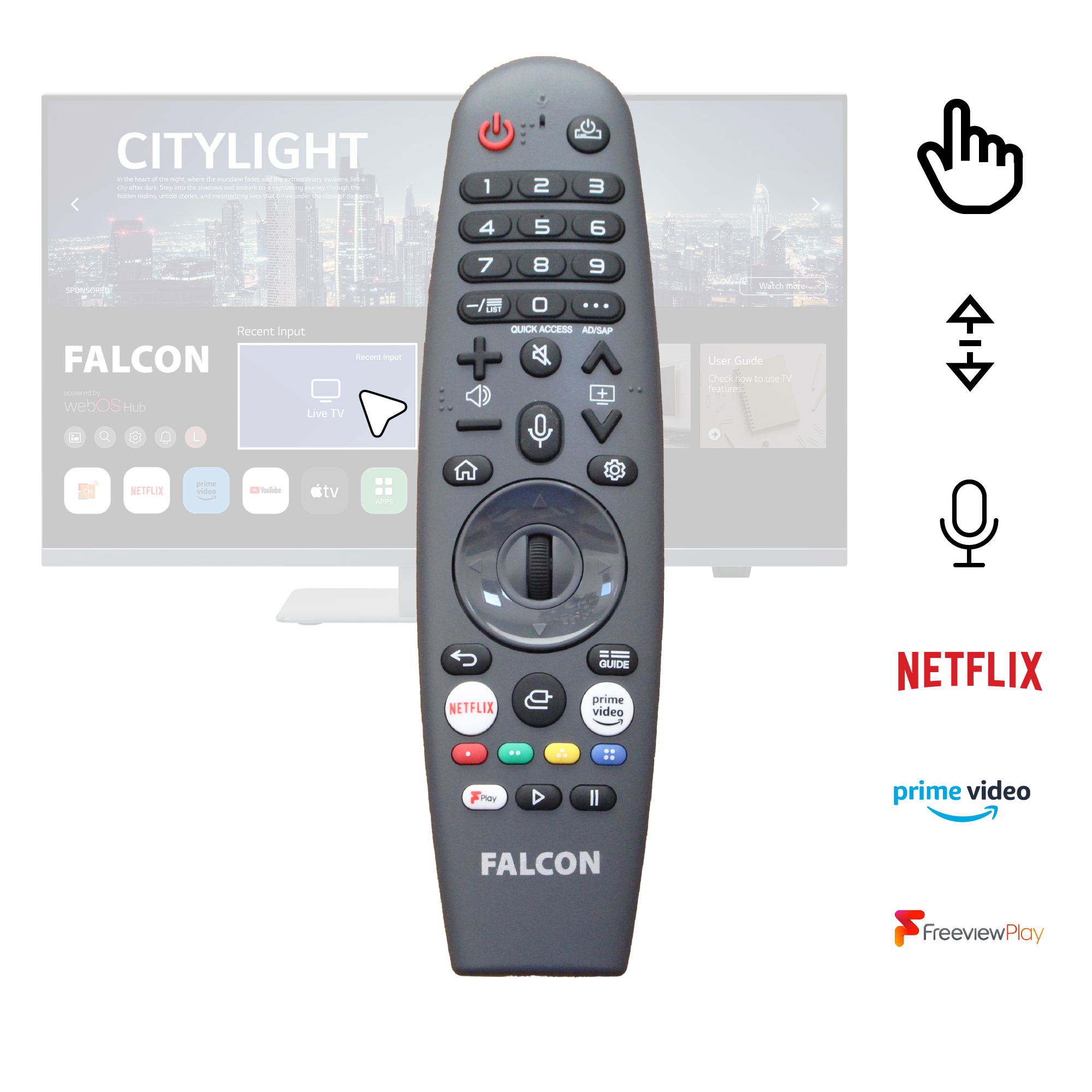
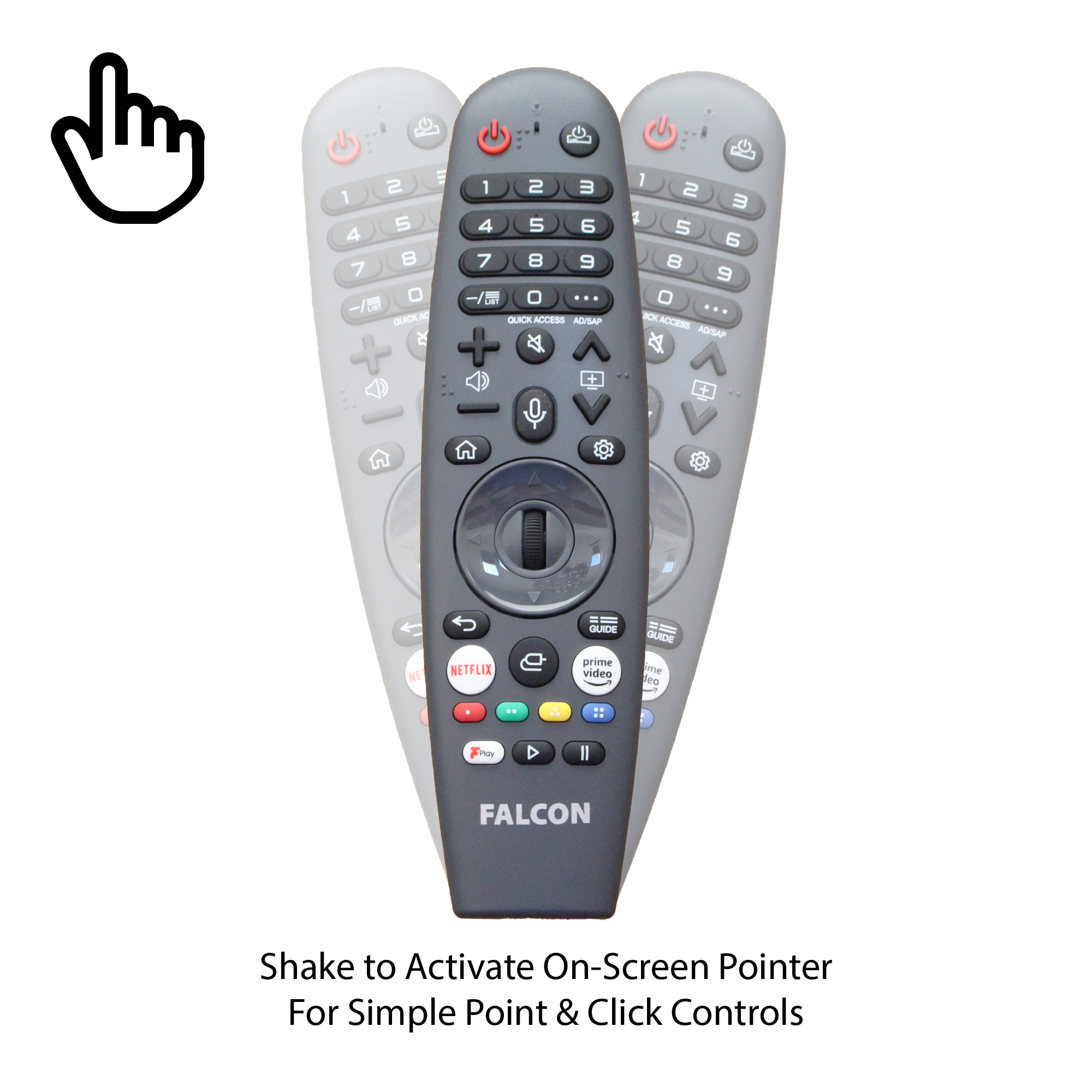
The Falcon Magic Remote provides additional features over the standard remote such as On Screen Cursor with Point, click and scroll features.
The remote also provides Voice Control button for voice commands to control the TV features + full numerical one touch buttons for accessing channels and features
This simple to use remote makes it quick and simple to access all the features of the Falcon WebOS Smart TV and also includes Universal control to control other compatible media devices.
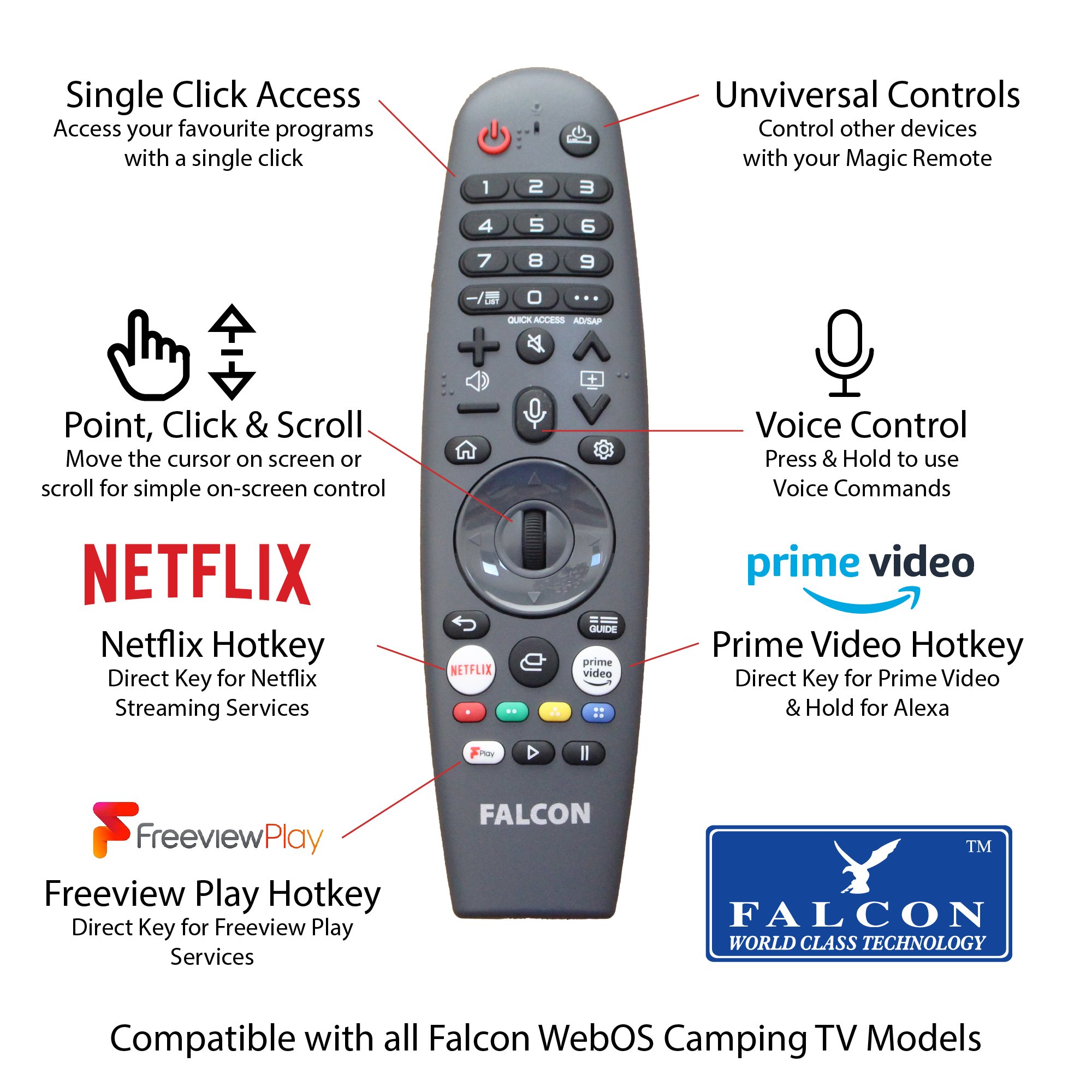
- Single Click Access – One touch numerical buttons for simple control of your TV channels
- Point, Click and Scroll – Move the cursor on screen and use scroll wheel or click to choose and operate features
- Voice Control – Use your voice to control the TV features such as volume and channel control, Quick App access and searches
- Universal Controls – Use the remote to control other compatible devices such as Wireless Speaker systems, set top boxes and others.
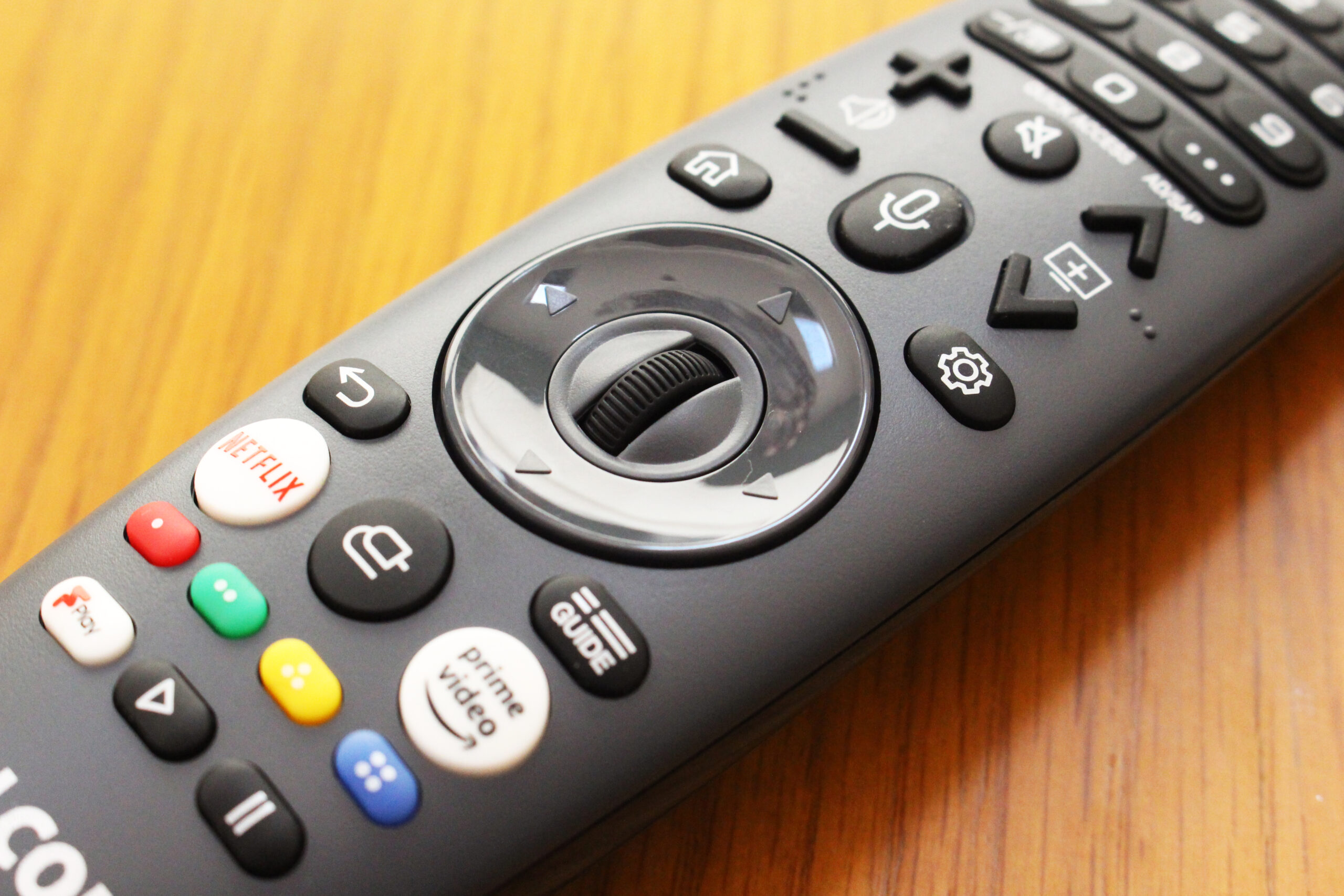
- App Hot Keys – Simple and quick access to your favourite streaming apps such as Netflix, Prime Video and Freeview Play.
- Guide – Access to your Electronic Programme Guide (EPG) for all of your channels and scheduling options in one place.
- Home – to view all of your TV features for Live TV and Streaming and catchup.
- Gestures – Control the TV features with movement gestures with the magic remote
- Magic Remote
- Compatible with Falcon WebOS Smart Camping TVs
- Single Click Access – One touch numerical buttons for simple control of your TV channels
- Point, Click and Scroll – Move the cursor on screen and use scroll wheel or click to choose and operate features
- Voice Control – Use your voice to control the TV features such as volume and channel control, Quick App access and searches
- Universal Controls – Use the remote to control other compatible devices such as Wireless Speaker systems, set top boxes and others.
- App Hot Keys – Simple and quick access to your favourite streaming apps such as Netflix, Prime Video and Freeview Play.
- Guide – Access to your Electronic Programme Guide (EPG) for all of your channels and scheduling options in one place.
- Home – to view all of your TV features for Live TV and Streaming and catchup.
- Gestures – Control the TV features with movement gestures with the magic remote
- Batteries Required: 2 x AA
- Dimensions: 180mm x 50mm
- Weight: 100g
Note: This TV remote control will not work with Standard Falcon Camping TVs
Falcon Magic Remote – For Falcon WebOS Smart Camping TVs
Looking for greater control of your Falcon WebOS Smart Camping TV?
The Falcon Magic Remote provides additional features over the standard remote such as On Screen Cursor with Point, click and scroll features. The remote also provides Voice Control button for voice commands to control the TV features + full numerical one touch buttons for accessing channels and features This simple to use remote makes it quick and simple to access all the features of the Falcon WebOS Smart TV and also includes Universal control to control other compatible media devices.
- Single Click Access – One touch numerical buttons for simple control of your TV channels
- Point, Click and Scroll – Move the cursor on screen and use scroll wheel or click to choose and operate features
- Voice Control – Use your voice to control the TV features such as volume and channel control, Quick App access and searches
- Universal Controls – Use the remote to control other compatible devices such as Wireless Speaker systems, set top boxes and others.
- App Hot Keys – Simple and quick access to your favourite streaming apps such as Netflix, Prime Video and Freeview Play.
- Guide – Access to your Electronic Programme Guide (EPG) for all of your channels and scheduling options in one place.
- Home – to view all of your TV features for Live TV and Streaming and catchup.
- Gestures – Control the TV features with movement gestures with the magic remote